














Step 1
Set Inputs
Enter a clear prompt describing the wheel cylinder type, mounting points, and style. Optionally add reference images to guide geometry, materials, and proportions for more accurate outputs.
Create wheel cylinder concepts fast with Wheel Cylinder 2 - Updated. Use AI to generate, refine, and export clean mechanical designs online—try it now.
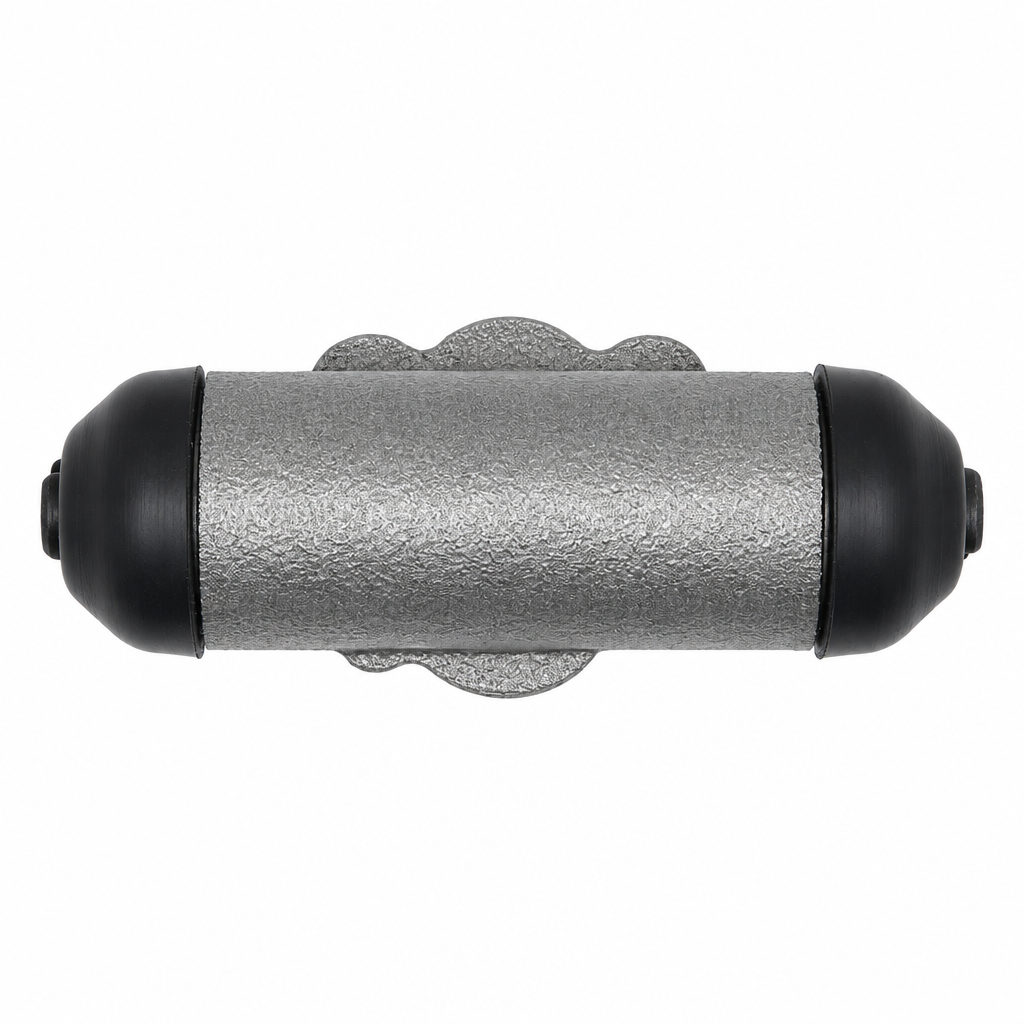
How to use Wheel Cylinder 2 - Updated
Follow these steps to generate wheel cylinder concepts with AI, then refine details for consistency. Start from a prompt or reference, iterate variations quickly, and export results for engineering review and documentation.
Step 1
Enter a clear prompt describing the wheel cylinder type, mounting points, and style. Optionally add reference images to guide geometry, materials, and proportions for more accurate outputs.

Step 2
Run the AI generator to produce multiple wheel cylinder design options. Adjust settings and re-generate to explore alternative shapes, ports, and housing details while staying on-spec.

Step 3
Select the best result and refine details for clarity and consistency. Export high-resolution images for presentations, design reviews, and documentation to speed up your workflow.
Features
Wheel Cylinder 2 - Updated helps you generate wheel cylinder concepts quickly, with controllable variation and consistent outputs. Use AI to explore mechanical forms, compare alternatives, and iterate without restarting from scratch. Turn prompts and references into clean visuals suited for engineering discussion, product ideation, and faster decision-making.
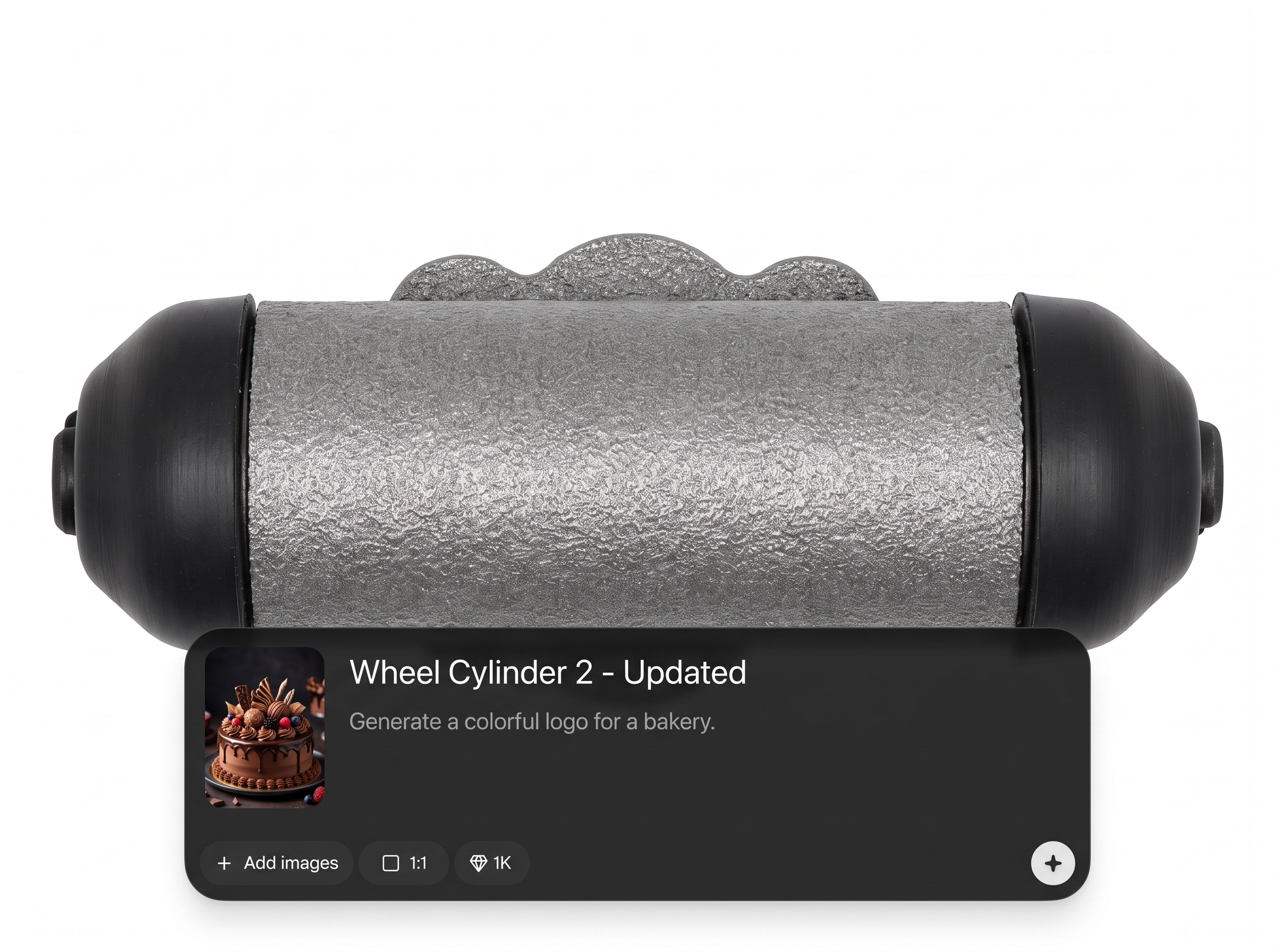
Create wheel cylinder concepts from text prompts and optional references. Get multiple design directions in seconds, helping you explore housing forms, ports, and mounting features efficiently.
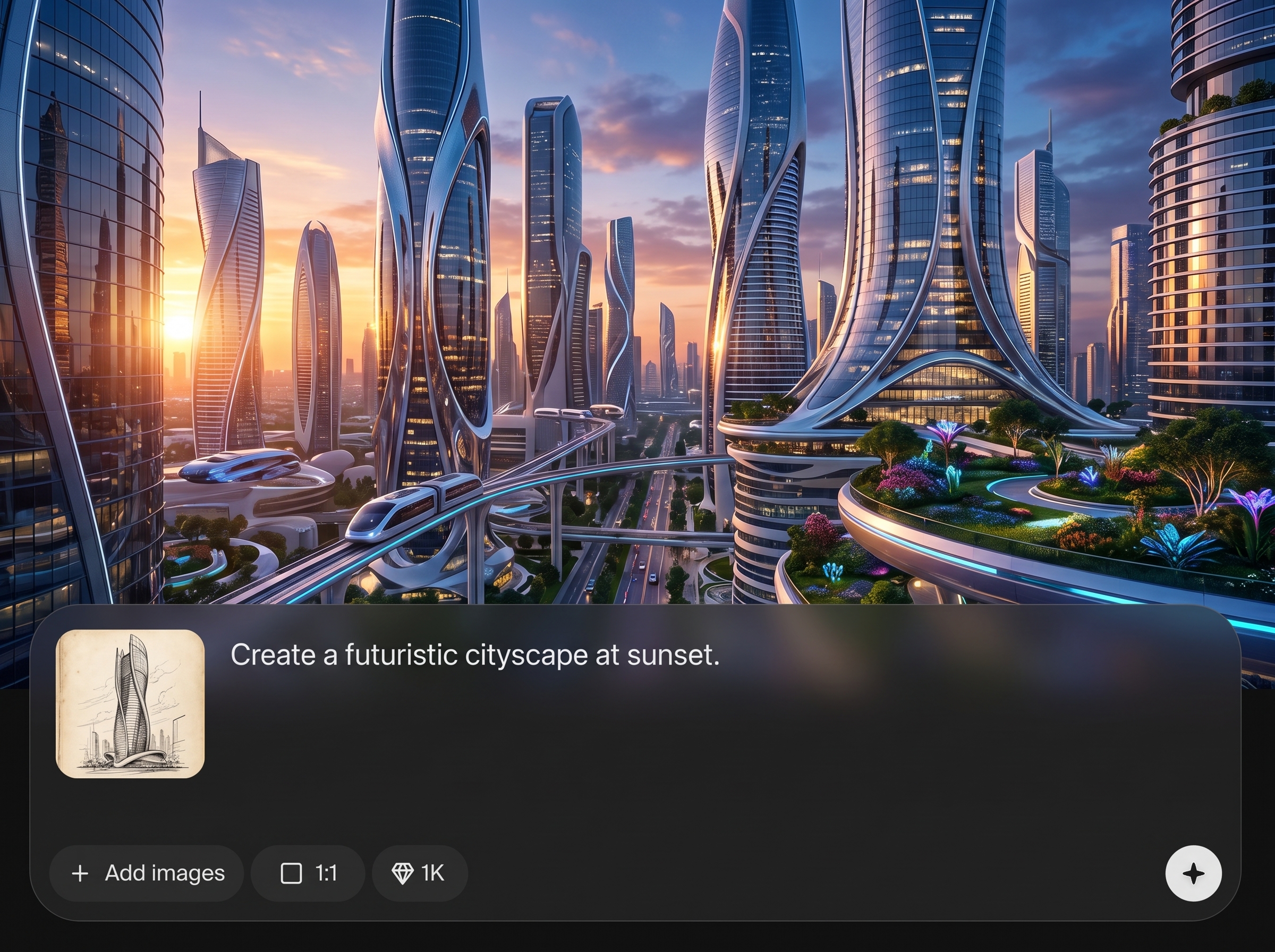
Regenerate variants, adjust inputs, and fine-tune results without losing direction. Keep iterations consistent so comparisons are easier during engineering review and design selection.
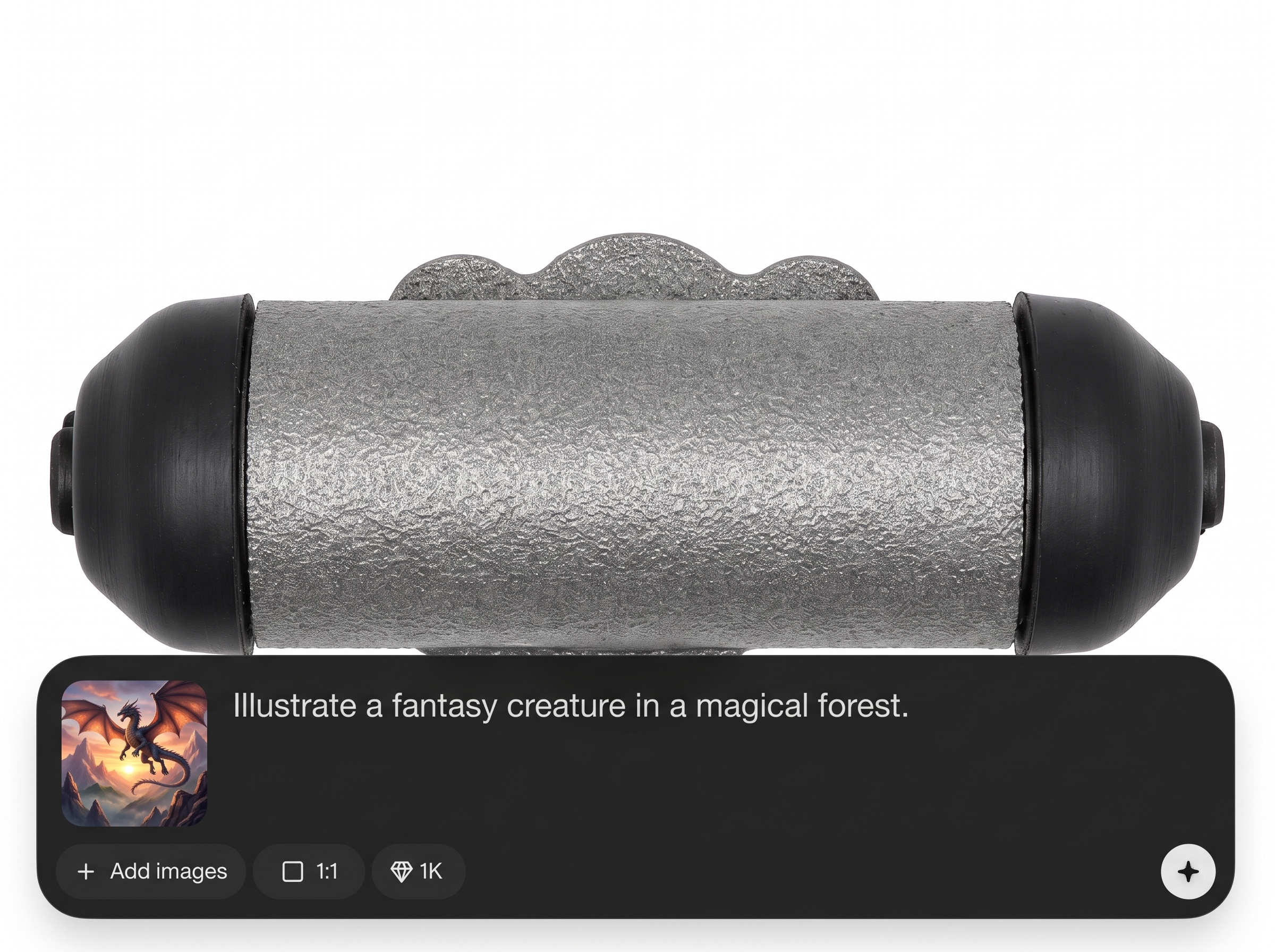
Export high-quality visuals for documentation, presentations, and internal approvals. Communicate design intent clearly with consistent outputs suited for mechanical and product workflows.
About
Wheel Cylinder 2 - Updated is an AI design tool for generating wheel cylinder concepts from simple prompts and references. Explore multiple mechanical variants quickly, refine key shapes and details, and keep results consistent for iterative engineering workflows. Export clean visuals for reviews, documentation, and design exploration without slowing down your process.
Wheel Cylinder 2 - Updated streamlines wheel cylinder concept generation with fast iteration and consistent visual outputs. Use prompts and references to explore options quickly, communicate design intent clearly, and reduce time spent on repetitive early-stage exploration and review prep.
Enter a detailed prompt, optionally upload a reference image, and generate variants. Select a strong direction, refine with small prompt adjustments, then export high-quality visuals for sharing and documentation.
Use cases
Discover how different creators use this app in their workflow.
Generate multiple wheel cylinder concepts quickly to evaluate forms, configurations, and packaging constraints before committing time to detailed CAD modeling.
Produce consistent visual variants to compare details in meetings, align on requirements, and document decisions with clear, shareable exports.
Accelerate early-stage ideation by creating wheel cylinder visuals from prompts and references, supporting faster iteration across teams and stakeholders.
Krea is one of the world's leading generative AI platforms. See what others say.
Real reviews on TrustpilotSo many AI tools out there but I always come back to Krea. It's really the one AI platform that 'just works'.

FYN
Krea's interfaces are still the best in the industry. Everything looks and feels so clean and easy to use! Imo the easiest to use gen AI website.

Lynn
Ultra fast generations. Extremely simple to use. All the latest AI models.

Daniel
KREA is the only AI subscription I have right now besides ChatGPT.

Sophia M.
Answers to common questions about Wheel Cylinder 2 - Updated and AI design generation.
Wheel Cylinder 2 - Updated is an AI generator for creating wheel cylinder design concepts from prompts and references. It helps you explore variants, refine details, and export clean visuals for reviews and documentation.
You provide a prompt describing the wheel cylinder and optionally reference images. The AI model generates multiple concept outputs, then you iterate by adjusting inputs and regenerating to converge on the best design direction.
Yes. Describe key features in your prompt and use references when possible. Iterative regeneration helps you steer geometry and proportions, producing more consistent designs across variations and review-ready outputs.
No. It’s a concept and visualization tool that speeds up exploration and communication. Use outputs to guide discussions, compare options, and inform CAD work rather than replacing detailed engineering modeling.
Use specific prompts: cylinder type, mounting style, port placement, material, and finish. Add reference images with similar geometry when available to improve consistency, proportions, and mechanical realism.
Yes. Generate batches of wheel cylinder concepts, then refine by tweaking prompts or settings. This makes it easy to compare alternatives and narrow down options without starting over each time.
You can export high-resolution images suitable for presentations, design reviews, and documentation. Exports help communicate design intent clearly and keep stakeholders aligned throughout iteration cycles.
Yes. It runs online so you can generate and iterate wheel cylinder concepts from your browser. This supports fast workflows without local setup, while keeping outputs easy to share and review.
Reuse a stable prompt structure, keep key constraints explicit, and anchor with reference images. Make small changes per iteration to isolate effects and maintain consistent direction across generations.
Generate, iterate, and export wheel cylinder visuals online for faster exploration and clearer reviews.

