> ## Documentation Index
> Fetch the complete documentation index at: https://www.krea.ai/docs/llms.txt
> Use this file to discover all available pages before exploring further.
# Krea 2 Turbo
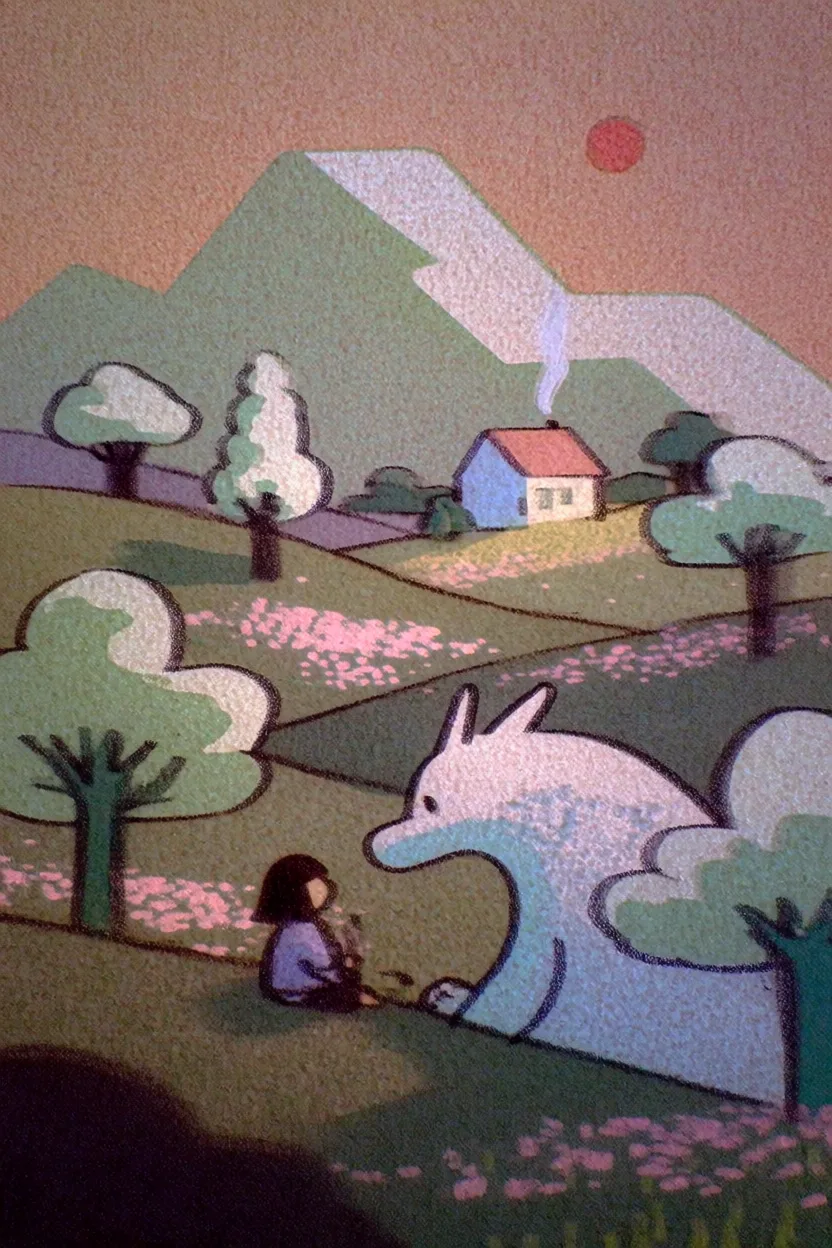
> Krea 2 Turbo is the fastest Krea 2 model, built for low-cost iteration on expressive illustrations, style-driven concepts, and rapid visual exploration.
→
## Overview
Krea 2 Turbo is the fastest Krea 2 model. It keeps the Krea 2 style system and expressive visual range, but uses a distilled sampling schedule so you can move through ideas much faster and at a lower credit cost.
Use Turbo when you are exploring a visual direction, testing prompts, or building a batch of rough concepts before moving to Krea 2 Medium or Krea 2 Large for a more polished pass. It is especially useful for expressive illustration, graphic styles, typography experiments, and quick campaign or concept directions.
## At a Glance
| Feature | Detail |
| - | - |
| **Speed** | Fastest Krea 2 model |
| **Generation time** | \~4 seconds per generation |
| **Credits** | 2 per generation |
| **Batch size** | Up to 4 images |
| **Resolution** | 1K |
| **Best at** | Fast iteration, expressive illustrations, graphic design exploration |
| **Style references** | Yes, up to 4 image style references |
| **Moodboards** | Yes |
| **Seed support** | Yes |
## Getting Started
1. **Go to Image Generation** - Navigate to [krea.ai/image](https://krea.ai/image).
2. **Select Krea 2 Turbo** - Open the model picker and choose Krea 2 Turbo.
3. **Write your prompt** - Describe the subject and visual direction. Turbo works well with concise prompts, but benefits from clear style, palette, and composition notes.
4. **Choose an aspect ratio** - Select the format that fits your output: square, portrait, landscape, cinematic, or mobile.
5. **Add style direction** - Use style references, Krea styles, or a moodboard when you want the output to follow a specific visual language.
6. **Generate and compare** - Use Turbo to quickly test variations. Move promising directions to Krea 2 Medium or Large when you need more refinement.
## When to Use Krea 2 Turbo
| Use When | Avoid When |
| - | - |
| You need the fastest Krea 2 generations | You need the most detailed or polished Krea 2 output |
| You are testing many prompt directions | You are doing final photorealistic production work |
| You want expressive illustration or graphic design drafts | You need the raw texture and flexibility of Krea 2 Large |
| You are iterating on style references or moodboards | You want maximum consistency across a final campaign set |
| You want low-cost Krea 2 exploration | |
## Supported Aspect Ratios
| Category | Aspect Ratio | Output Size |
| - | - | - |
| Square | 1:1 | 1024 x 1024 |
| Landscape | 4:3 | 1184 x 896 |
| Landscape | 3:2 | 1248 x 832 |
| Landscape | 16:9 | 1376 x 768 |
| Landscape | 2.35:1 | 1568 x 672 |
| Portrait | 4:5 | 928 x 1152 |
| Portrait | 2:3 | 832 x 1248 |
| Portrait | 9:16 | 768 x 1376 |
## Style Controls
Krea 2 Turbo supports the same public Krea 2 style controls:
* **Style references** - Upload up to 4 images to guide the visual style.
* **Moodboards** - Use a saved Krea moodboard to steer palette, texture, mood, and composition.
* **Krea styles** - Apply compatible trained styles from your style library.
* **Creativity** - Choose how strongly Krea expands on your prompt. Lower values stay more literal; higher values add more visual interpretation.
Use Turbo for prompt and style discovery. Once you find a strong direction, regenerate with Krea 2 Medium for more stability or Krea 2 Large for richer photorealism and texture.
## Generative Sliders
Krea 2 Turbo supports the full **Generative Sliders** panel — the same Intensity, Complexity, and Movement controls available on Krea 2 Medium and Krea 2 Large. Each slider runs from **−100 to 100**, with **0 as neutral**.
| Slider | Negative direction | Positive direction |
| - | - | - |
| **Intensity** | Bland, muted images | Intensely stylized images |
| **Complexity** | Minimal, clean compositions | Chaotic, dense compositions |
| **Movement** | Static images | Strong pose and camera movement |
Because Turbo iterates so quickly, it's the ideal model for **exploring slider settings** — change one slider at a time, regenerate, and lock in a direction before re-running with Krea 2 Medium or Large.
See the [Krea 2 user guide](/docs/user-guide/features/krea-2#generative-sliders) for a deeper walkthrough, or the [Generative sliders developer guide](/docs/developers/krea-2/generative-sliders) for API usage.
## Prompting Tips
| Tip | Example |
| - | - |
| Keep the subject clear | "A streetwear poster for a neon running shoe" |
| Add style language early | "risograph print, limited palette, bold silhouette" |
| Use references for visual identity | Upload a poster, editorial image, or moodboard instead of trying to describe every visual detail |
| Generate in batches | Compare several outputs quickly, then refine the strongest direction |
| Escalate when needed | Move to Krea 2 Medium or Large when the draft needs more polish |
## API
Krea 2 Turbo is also available through the Krea API:
```bash cURL theme={null}
curl -X POST https://api.krea.ai/generate/image/krea/krea-2/medium-turbo \
-H "Authorization: Bearer $KREA_API_TOKEN" \
-H "Content-Type: application/json" \
-d '{
"prompt": "A bold editorial illustration of a city courier at sunrise",
"aspect_ratio": "4:5",
"resolution": "1K",
"creativity": "medium"
}'
```
See the [Krea 2 developer guide](/docs/developers/krea-2/overview) for the full API request shape, style reference examples, moodboards, and pricing.
This documentation is built and hosted on [Mintlify](https://mintlify.com), a developer documentation platform.