Seedream 5.0 Pro is ByteDance’s new flagship image generation and editing model, and Krea is proud to be an official launch partner. This article gives a full overview of the model’s core capabilities and why it’s the strongest model to date for full image workflows.
Seedream 5.0 Pro is live on Krea starting July 8, 2026, the day of its release.
Try Seedream 5.0 Pro
Generate, edit, blend, and batch images with Seedream 5.0 Pro on Krea.
Try Seedream 5.0 ProWhat is Seedream 5.0 Pro
Seedream 5.0 Pro is an image generation and editing model in the Seedream family. It accepts text, a single image, or multiple images, and it can produce single images or grouped image outputs. It also supports streaming output, returning each image as soon as it is ready.
It is also the first Seedream model with web-search-augmented generation, and that changes how working with it feels. This is closer to ChatGPT Image than to a classic prompt box: instead of passively following a single prompt, the model reasons through your instruction like a designer and looks things up when the work calls for it. Add what Seedream has always been known for, style consistency and cinematic scenes with extravagant detail, and 5.0 Pro becomes the strongest creative companion yet for designers, creators, and marketers.
Text-to-image
With Seedream 5.0 Pro, one strong prompt can become a polished image with clear art direction, cinematic detail, and a finished look from the start. It is well suited to high-end concepting, campaign visuals, and art-directed image creation where the prompt needs to translate into a specific visual outcome.
“Vibrant close-up editorial portrait, model with piercing gaze, wearing a sculptural hat, rich color blocking, sharp focus on eyes, shallow depth of field, Vogue magazine cover aesthetic, shot in medium format, dramatic studio lighting.”
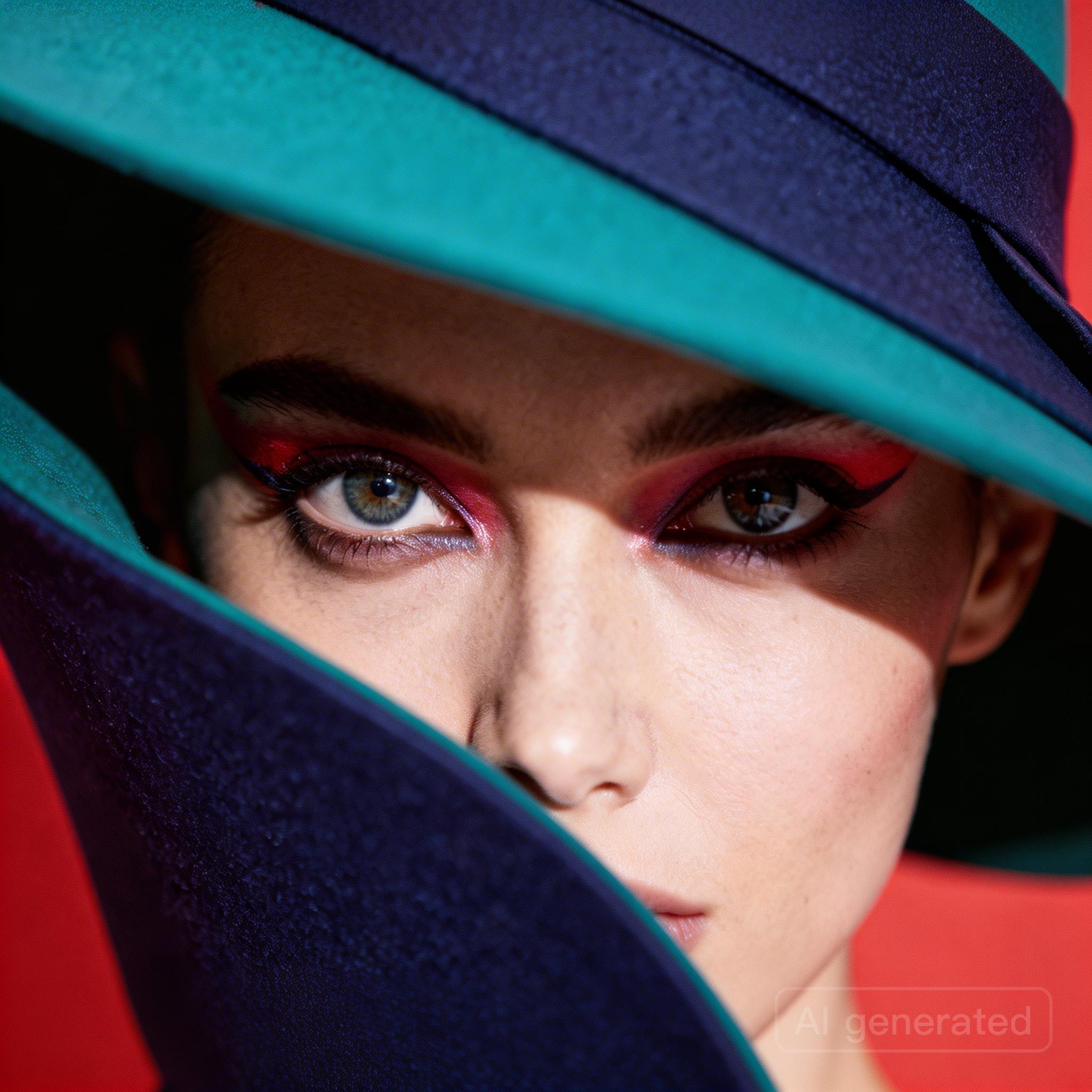
This is the kind of prompt that benefits from a model that can hold style, composition, and mood together in one pass. The result is a ready-to-use image that feels closer to a directed shoot than a rough draft.
Image editing - Preserve Composition, Style and Texture
Seedream 5.0 Pro can transform an existing image while keeping the original structure intact. That makes it especially useful when the pose, framing, and composition are already right, but the material, lighting, or realism need a precise upgrade.
“Keep the model’s pose and the flowing shape of the liquid dress unchanged. Change the clothing material from silver metal to completely transparent clear water (or glass). Through the liquid, the model’s skin details are visible. Lighting changes from reflection to refraction.”
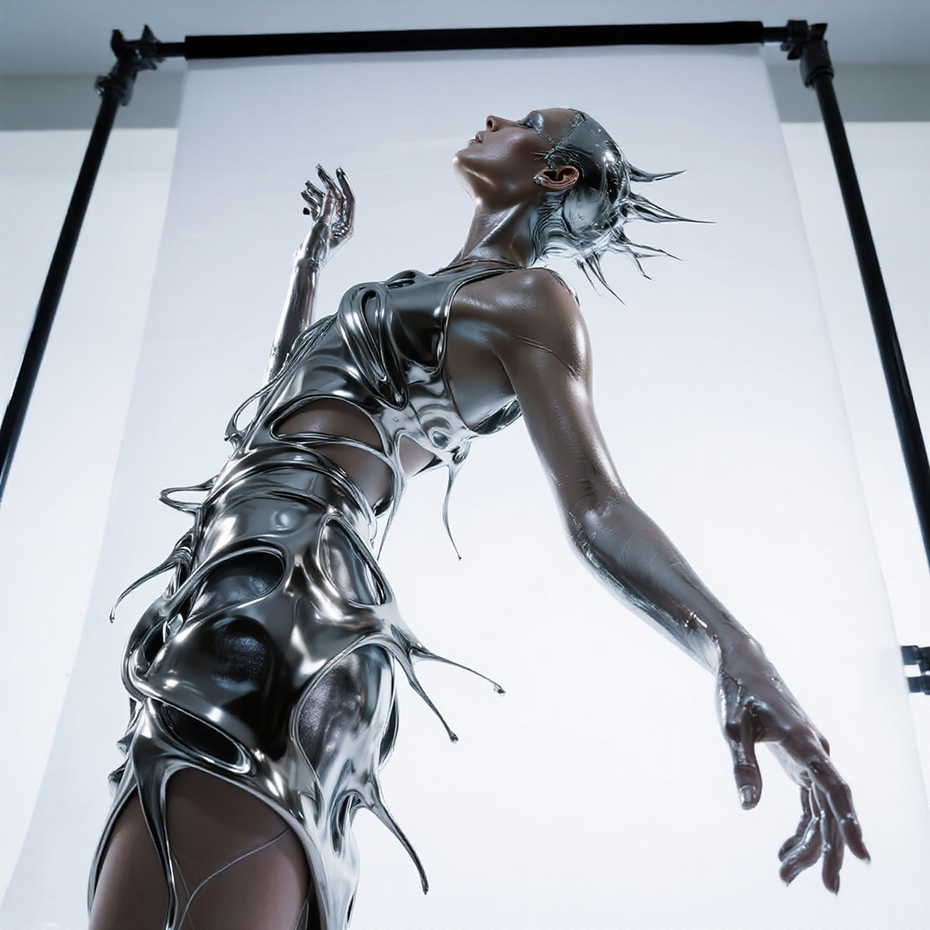
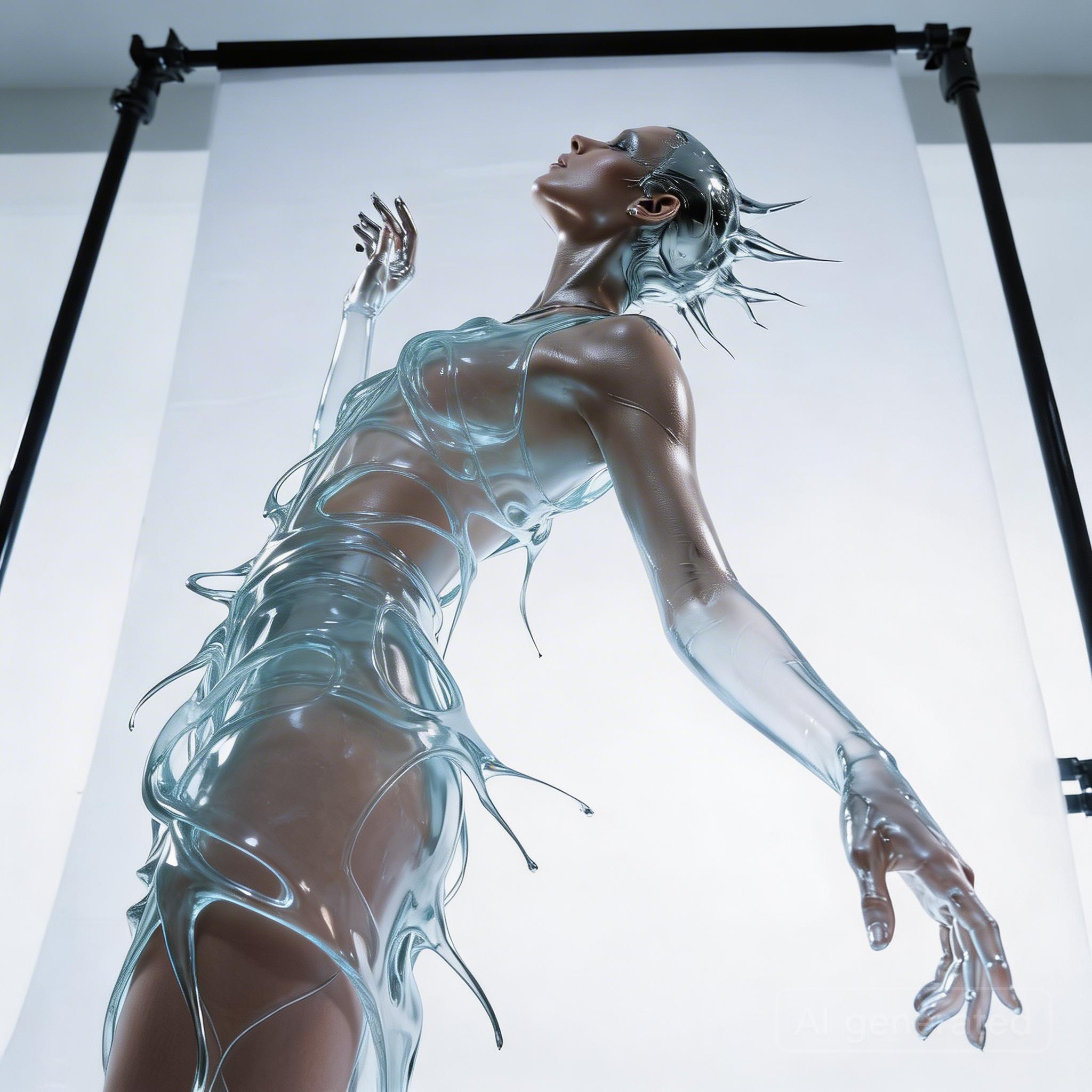
The strength here is control. The subject stays recognizable, the pose stays locked, and the edit focuses on the details that matter most. For creators, that means faster material swaps, cleaner art direction, and fewer compromises when a concept needs a sharper finish.
Multi-image Blending
Seedream 5.0 Pro can combine multiple references into one coherent output while preserving subject consistency across the result. That makes it a strong option when one image has the model, another has the outfit, and the final composition needs both to feel naturally unified.
“Replace the clothing in image 1 with the outfit from image 2.”

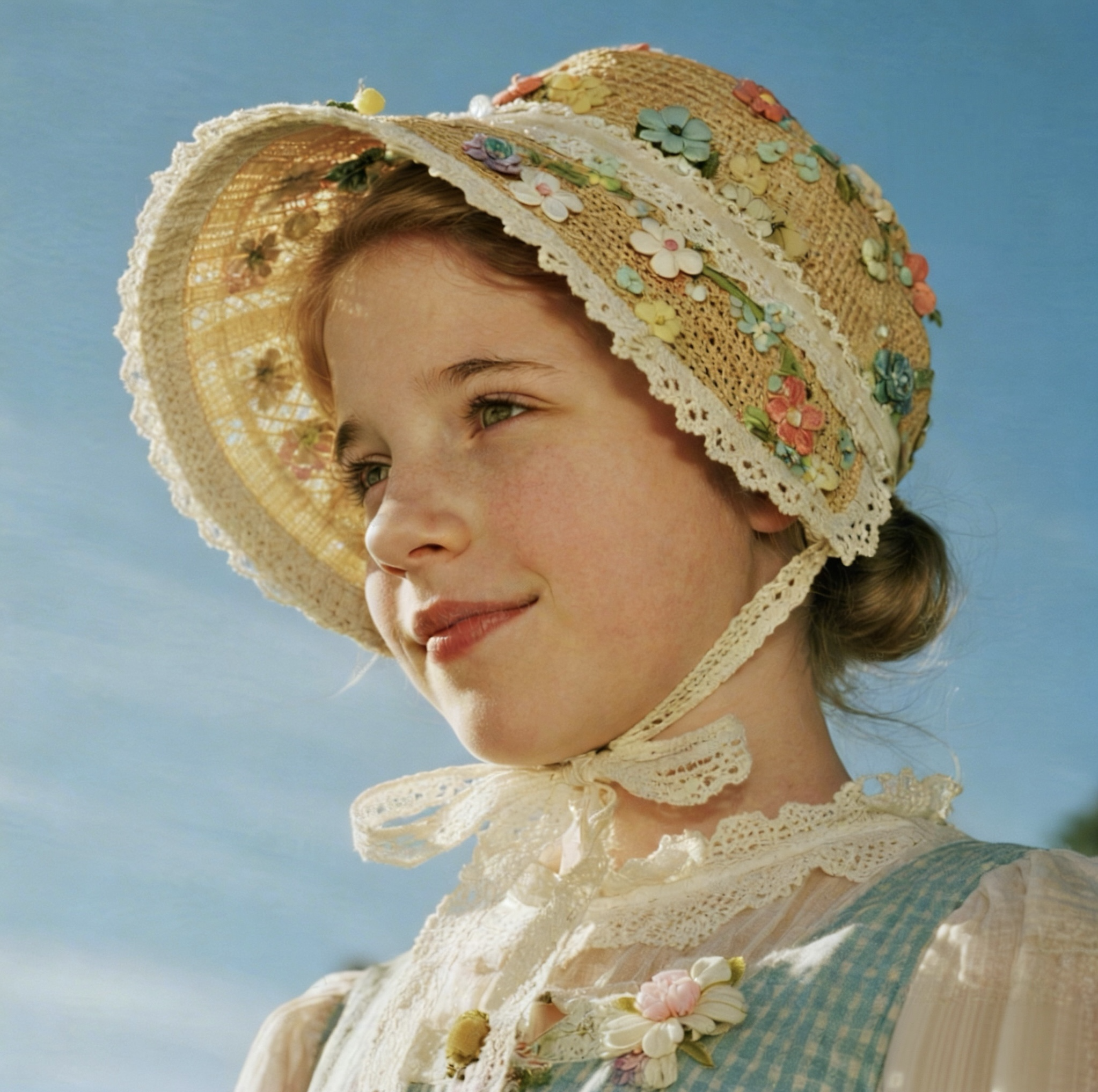
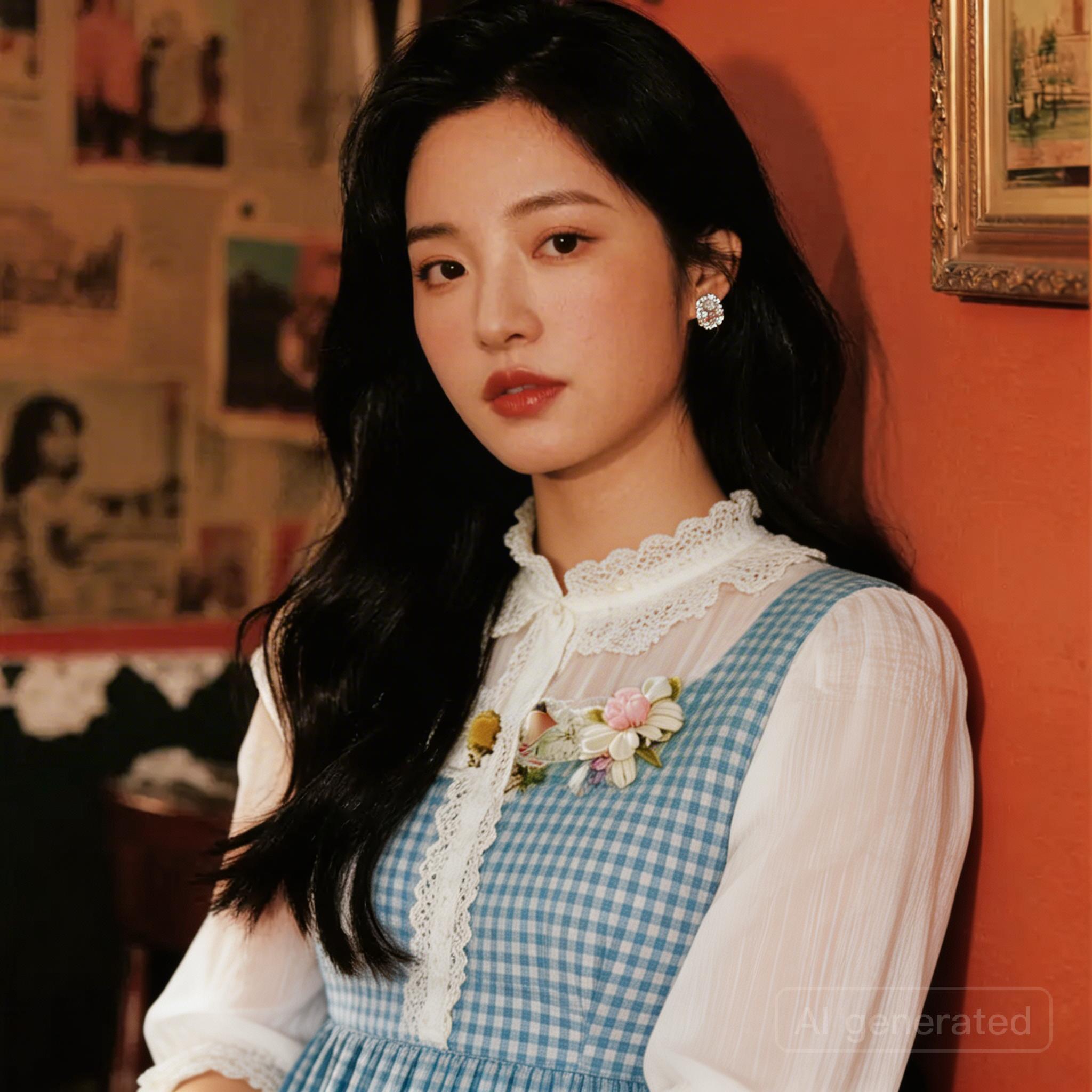
This kind of reference blending is especially valuable for outfit transfer, accessory matching, and composite scenes where people, clothing, shoes, and environments all need to stay visually consistent in one frame.
Image Sequences from One Reference
Seedream 5.0 Pro can generate a related image sequence from a single reference image, which makes it useful for character exploration, action variations, and visual development while keeping the subject recognizable from frame to frame.
“Referring to Figure 1, generate four images with characters wearing sunglasses, riding motorcycles, wearing hats, and holding lollipops”

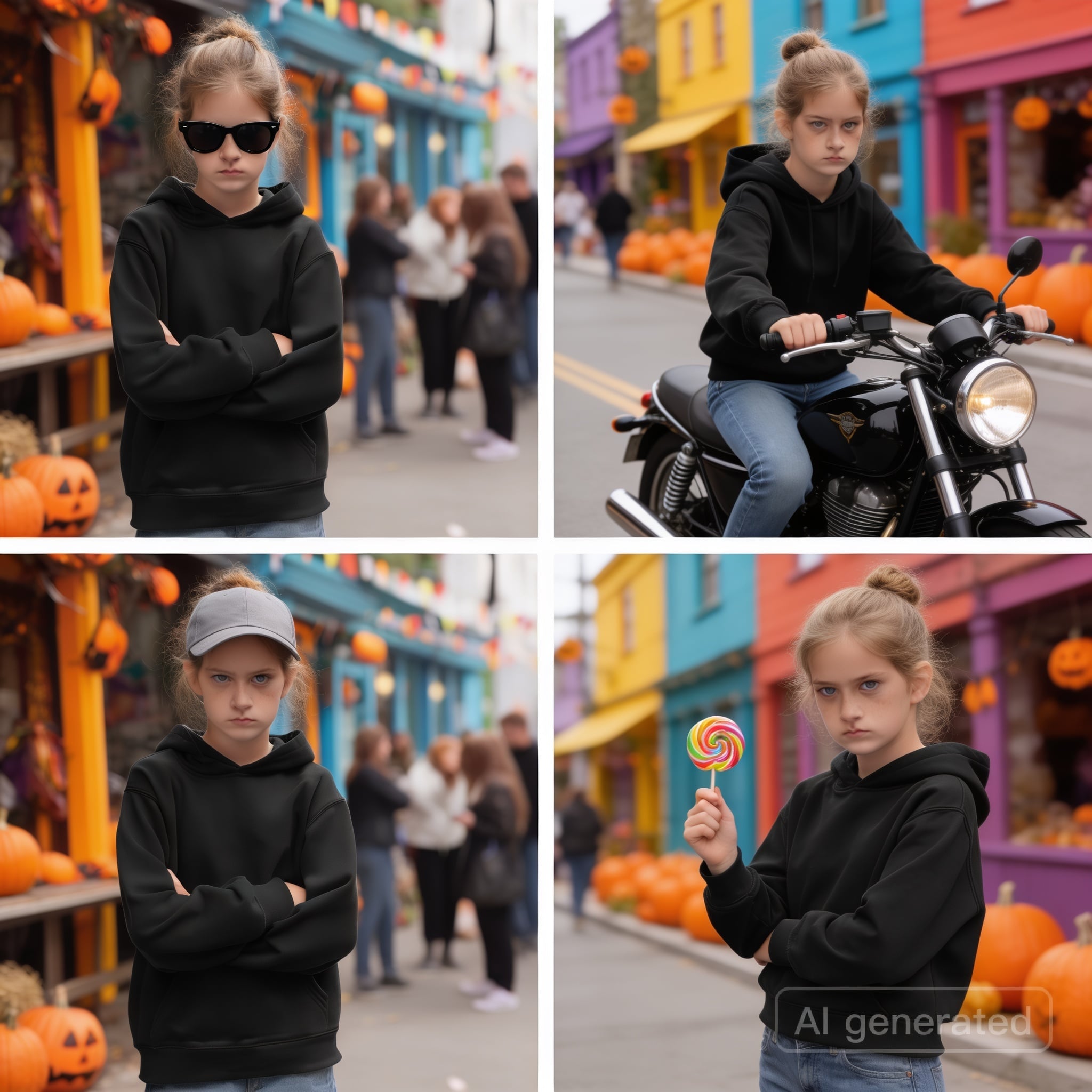
Instead of restarting from scratch for every variation, one reference can seed a set of connected images that stay close in identity and styling. That makes it easier to explore poses, props, and moments without losing the core character.
Batch Generation for Brand Systems and Storyboards
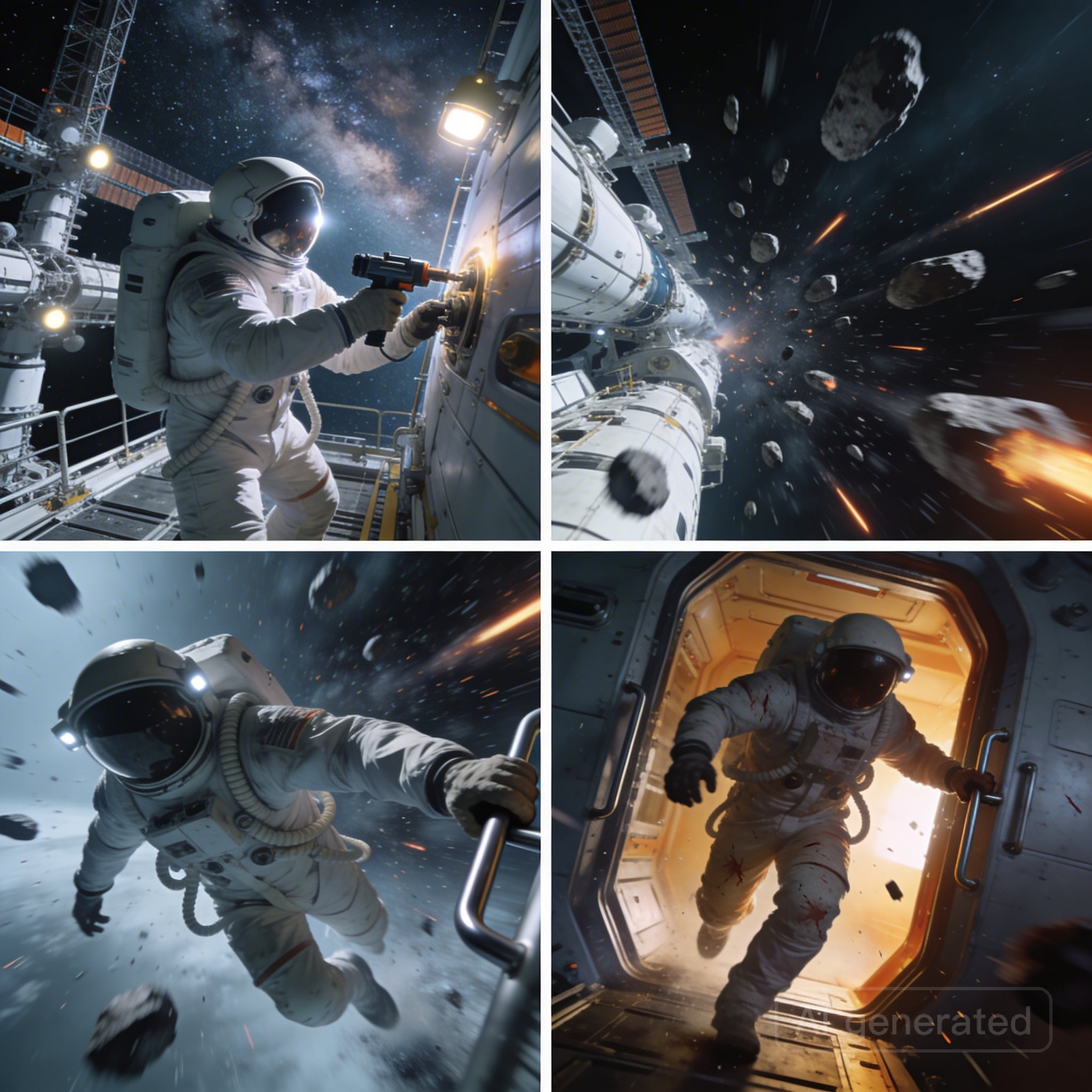
Seedream 5.0 Pro is built for batch creation, so one prompt or one reference can become a themed set of images with shared visual logic. That is a major advantage for storyboards, campaign exploration, and brand systems where the real challenge is not making one image, but making many that belong together.
“Generate a set of four cinematic sci-fi realistic film storyboard scenes: Scene 1: An astronaut repairs a spacecraft at a space station… Scene 2: Suddenly hit by a meteorite belt… Scene 3: The astronaut dodges urgently… Scene 4: The astronaut, injured, escapes back to the spacecraft…”
“Using this LOGO as a reference, create a visual design system for an outdoor sports brand named GREEN, including packaging bags, hats, cards, lanyards, etc. Main visual tone is green, with a fun, simple, and modern style.”
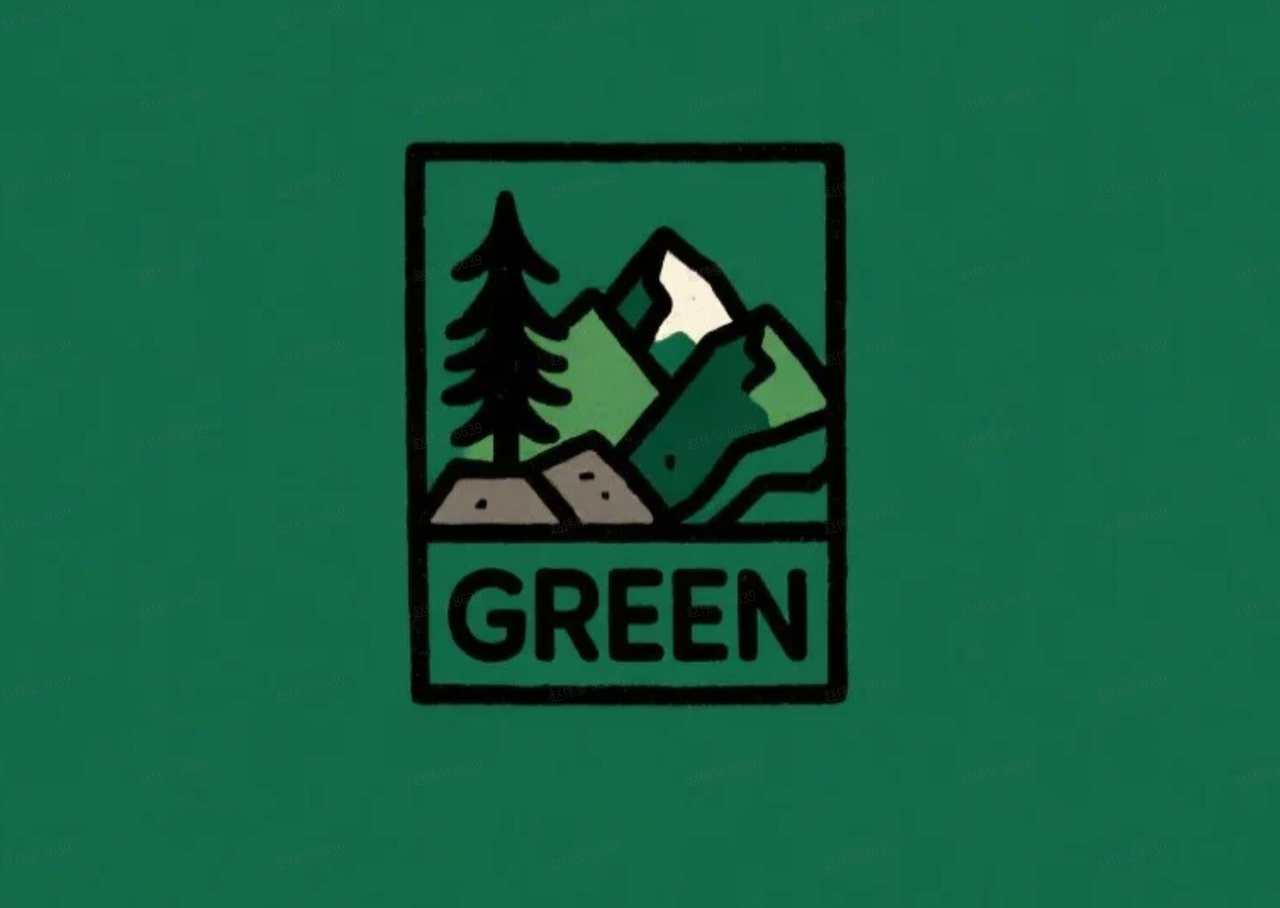
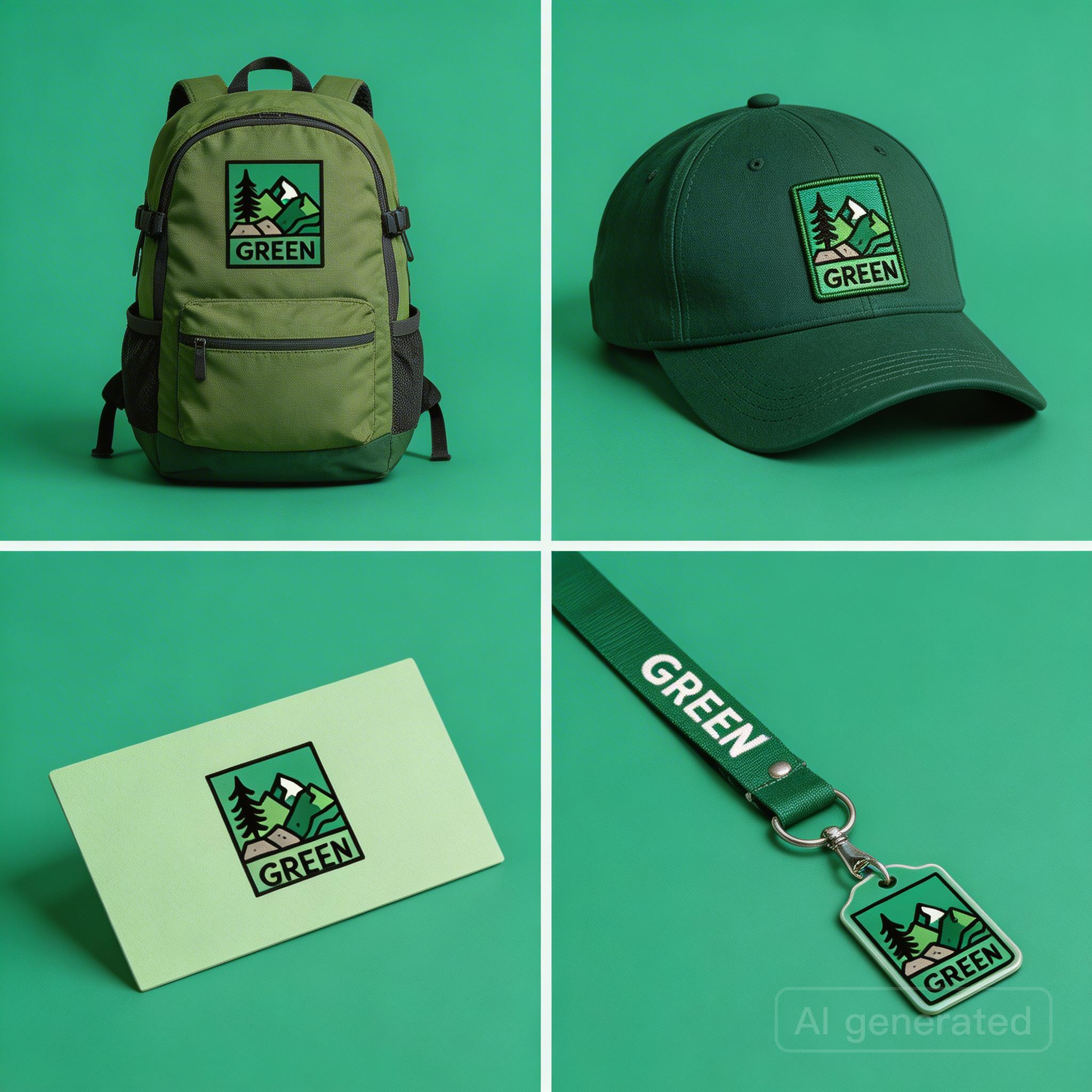
This is where Seedream 5.0 Pro feels most like a flagship workflow model. It can turn a single brief into a coherent set, or a logo into a branded kit, without forcing each asset to be built in isolation.
Get started on Krea
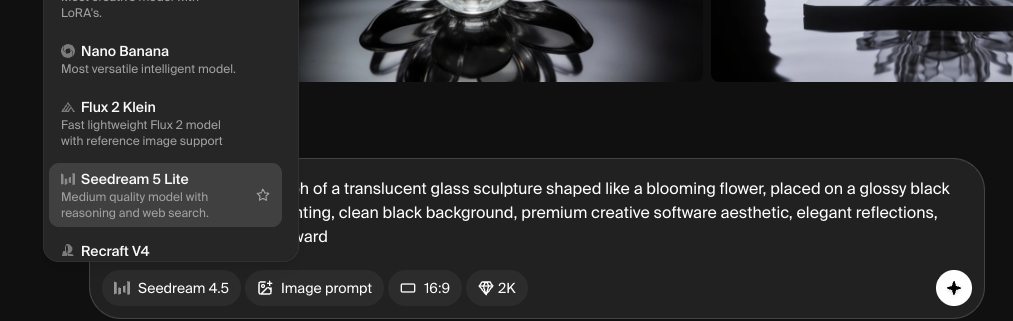
Open Krea, select Seedream 5.0 Pro in Image Generation, add a prompt or reference, and start creating immediately. For edits, blends, sequences, and batches, Seedream 5.0 Pro is ready to help turn one idea into a polished set of images with zero friction.
Krea is the best place to work with image and video models. Seedream 5.0 Pro sits inside Krea’s full creative suite. Compare it with other image and video models on the same canvas, keep your assets in one place, and shape the workflow around the way you work.
Make the Most out of Seedream 5.0 Pro
Seedream 5.0 Pro removes some of the biggest frictions in image creation: prompt drift, reference mismatch, repetitive setup, and the manual work of making separate assets feel related. That means faster iteration when the goal is not just an image, but a system.
Creators can use it to move quickly from concept to campaign, build consistent character sets, swap outfits and accessories with continuity, produce branded packaging systems, and create storyboard-ready scene sequences that hold together across multiple frames.
In practice, that makes Seedream 5.0 Pro useful anywhere visual consistency matters. It gives teams a way to explore more directions, keep more of the original intent, and spend less time correcting the same details over and over.
FAQ
Frequently asked questions
What is Seedream 5.0 Pro?
When is Seedream 5.0 Pro launching, and how to use it?
What inputs can I use with Seedream 5.0 Pro?
Can it edit an image without changing the pose or composition?
Does it support multi-image blending and subject-consistent composites?
Try Seedream 5.0 Pro
Advanced image generation and editing with web search and deep reasoning. Available on Krea now.
Try Seedream 5.0 Pro